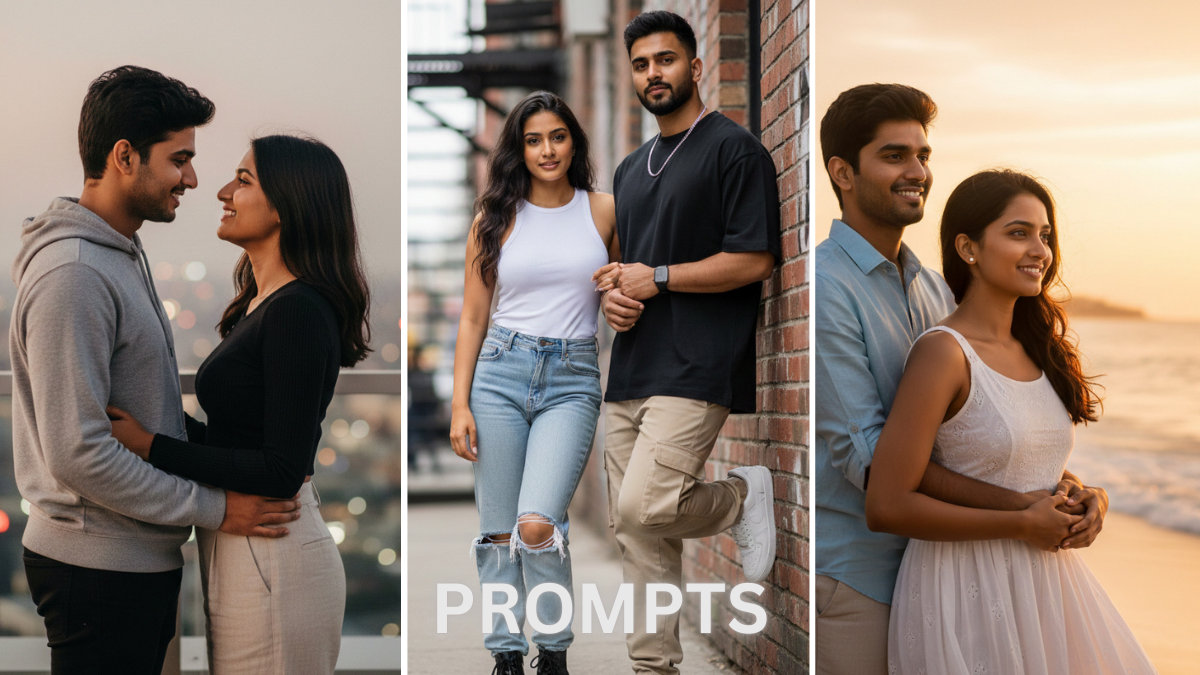
If you love old-school vibes and classic aesthetics, then 10 Retro-Style Editing Prompts with Gemini AI for Vintage Photos can completely transform your images into nostalgic works of art. Vintage editing is trending again, and creators are using smart AI tools to bring back the magic of the 70s, 80s, and 90s in a modern way.
Today, people want photos that feel emotional, cinematic, and timeless. That is exactly why retro-style edits are dominating social media feeds. In this guide, you will discover simple yet powerful prompts that are easy to copy, tweak, and use for stunning results.
Why Retro Editing Is Trending Again
Retro visuals create emotion. They remind people of memories, film cameras, faded colors, and natural light. Unlike overly sharp modern filters, vintage tones feel soft and authentic.
Here’s why creators love retro edits:
Emotional storytelling
Old film tones instantly add depth and mood.
Unique social media presence
Retro style stands out in a sea of bright and oversaturated images.
Timeless aesthetic
Vintage edits never go out of style.
Now let’s explore the prompts you can use to create that classic look effortlessly.
10 Retro-Style Editing Prompts You Can Try Today
1. 1970s Warm Film Look
“Apply 1970s film camera effect, warm golden tones, soft grain texture, slightly faded colors, natural sunlight glow, cinematic mood.”
Perfect for outdoor portraits and sunset shots.
2. Classic 80s Soft Focus Portrait
“Add 1980s soft focus lens effect, gentle blur, pastel tones, subtle glow on skin, vintage magazine style.”
Ideal for close-up portraits.
3. 90s Disposable Camera Vibe
“Create 1990s disposable camera look, visible grain, flash highlight, slightly overexposed lighting, nostalgic color tone.”
Great for party or casual moments.
4. Vintage Black and White Drama
“Convert to high-contrast black and white, deep shadows, film grain texture, classic old cinema atmosphere.”
Works beautifully for dramatic portraits.
5. Retro Polaroid Effect
“Add polaroid frame style, soft faded colors, matte finish, warm tint, authentic instant camera feel.”
Perfect for couple or travel photos.
6. Old Newspaper Print Style
“Apply monochrome newspaper texture, slight paper grain, vintage print effect, muted contrast.”


Excellent for creative storytelling posts.
7. Dusty Film Reel Aesthetic
“Add dust particles, light leaks, film scratches, cinematic warm tone, nostalgic movie scene look.”
This gives a true retro cinema feel.
8. Vintage Studio Glamour
“Classic studio lighting, soft shadows, muted background, retro Hollywood elegance, smooth skin tone.”
Best for formal portraits.
9. Faded Summer Memory Look
“Soft pastel colors, light haze effect, warm sunlight, dreamy vintage summer vibe.”
Ideal for vacation photos.
10. Old School Matte Tone Edit
“Matte finish, slightly desaturated colors, subtle grain, analog film texture, calm retro mood.”
Great for Instagram grid aesthetics.
How to Get Better Results
Keep the lighting natural
Natural light enhances retro effects beautifully.
Avoid over-editing
Too much grain or contrast can ruin the vintage vibe.
Match prompt with photo mood
Choose warm tones for happy memories and darker tones for dramatic shots.
Pro Tips for Viral Vintage Photos
Consistency matters. If you are building a brand, stick to one retro style.
Use storytelling captions that match the nostalgic feel.
Experiment with light leaks and grain for authenticity.
The beauty of 10 Retro-Style Editing Prompts with Gemini AI for Vintage Photos lies in simplicity. You do not need advanced editing skills. Just choose the right description, adjust slightly based on your image, and let creativity do the rest.
Retro editing is more than just a trend. It is a way to bring emotion, personality, and artistic depth into your photography. Whether you are a content creator, blogger, or social media enthusiast, these prompts can help your photos stand out with timeless charm.
Start experimenting today and turn your ordinary photos into unforgettable vintage memories.
